
Honkai Star Rail Storage Requirements by Platform
Discover the crucial storage requirements for Honkai Star Rail, which vary dramatically from 15 GB on mobile to over 50 GB on PC. This essential guide explains the significant difference between download and installed sizes, ensuring players can manage updates and optimize their device storage effectively.
If you're getting ready to install Honkai: Star Rail, one question comes up almost immediately: how much storage does Honkai Star Rail take? As of Version 4.1, "Unraveled for Daybreak," which went live on March 25, 2026, the answer depends a lot on where you play. In practical terms, you should expect anything from around 15 GB on mobile to 50 GB or more on PC, especially once you factor in the extra room needed for updates. And that last part matters more than a lot of players expect, because the listed download size is rarely the full story.
How Much Storage Does Honkai Star Rail Take by Platform
Honkai: Star Rail does not take the same amount of space on every platform. Different builds use different compression methods, asset formats, and optimization targets, so the final install footprint can vary quite a bit.
| Platform | Approximate Installed Size (Version 4.1) | Notes |
|---|---|---|
| PC (Windows) | 45–50 GB | Includes all streaming assets, default language pack |
| Android | 15–18 GB | Base install with one voice language |
| iOS (iPhone/iPad) | 16–20 GB | App bundle + shader cache |
| PS5 | 35–40 GB | HD assets, optimized console build |
On PC, the HoYoPlay launcher pulls a full-quality asset package, including higher-resolution textures, cutscene files, and multiple audio streams. The launcher itself is tiny, but once the actual game data finishes downloading, the install size jumps fast. That is why PC ends up with the biggest footprint.
On Android, things are a bit lighter thanks to compressed OBB-style data handling, though the game still gets noticeably larger with each major patch. iPhone and iPad land in a similar range, but iOS devices can briefly use more space during first launch because of shader compilation. Over on PS5, the game uses a console-optimized build that trims some PC-specific texture variants while still keeping HD assets for big-screen play, which is why it usually lands around 35–40 GB.
Honkai Star Rail Download Size vs Installed Size
This is where a lot of players get tripped up. The number you download first is not the same as the amount of space the game will occupy once everything is unpacked and installed. The initial launcher or app package is just a small starter file, usually under 500 MB on mobile and roughly 150–200 MB on PC. The real storage usage comes after the game starts pulling its full asset library.
For the Version 4.1 pre-install, HoYoverse pushed out resource packages on March 23, 2026 with these sizes: 4.8 GB on PC and 2.8 GB on both Android and iOS. Those numbers only cover the patch data, not the complete game. In other words, that is the delta update, not a fresh install.
The bigger issue is what happens during extraction. Honkai: Star Rail keeps the compressed patch archive while also writing the unpacked files into the game folder, so your peak storage usage during an update can get close to double the patch size. A 4.8 GB pre-install on PC can temporarily need almost 10 GB of free room before cleanup finishes. If your drive only has space equal to the patch file itself, there is a good chance the update fails during extraction or verification.
Honkai Star Rail Storage Requirements in 2026
HoYoverse already signaled the game's growing size with the Version 4.0 requirement bump. By that point, the original 2023 baseline was clearly no longer enough for the game's newer assets and larger world spaces. On Android, the minimum moved up to Snapdragon 835 / Dimensity 720 / Kirin 810 with at least 4 GB RAM, while the recommended level now sits closer to Snapdragon 870-class hardware or better. On iOS, the minimum is iPhone 8 Plus with iOS 13, while iPhone 11 or newer is the safer recommendation. PC players need at least an Nvidia GeForce GTX 1050, with a GTX 1060 6 GB or better, plus an Intel Core i7 and 16 GB RAM, recommended for smoother performance.
That hardware jump lines up directly with storage growth. Better textures, larger zones, and more voiced content all add up. Version 4.1, for example, expanded the install footprint further with areas like Lookout Cloud Station and Pearluxe Tower, and that kind of content does not come cheap in storage terms.
Language packs are another big factor. If you install every available dub — English, Japanese, Chinese, Korean, and others — you can add roughly 5–10 GB on top of the base game. If you only use one voice language, it is absolutely worth removing the rest in the in-game Audio settings. Since Version 4.0, the game has also been trending upward by around 3–6 GB of net storage growth per update after cleanup. So if you are planning ahead for 2026, a long-term account could realistically grow by another 15–20 GB over the next year.
Best Free Space to Keep for Honkai Star Rail
Knowing the install size is helpful, but it is only half the equation. What really keeps updates smooth is having enough extra room for extraction, cache rebuilding, and general patch overhead. If your device is almost full, even a normal update can turn into a headache.
A good rule of thumb is:
-
PC: keep at least 15 GB free beyond the game's installed size
-
Android/iOS: aim for 10 GB free internal storage after installation
-
PS5: try to leave 10–15% of total SSD space free
On PC, that extra room matters even more if you are using an SSD. Once SSDs get close to full, write speeds can dip, and that can drag out patching or even trigger verification loops. On mobile, having around 10 GB of spare internal storage gives you enough breathing room for the next couple of updates without scrambling to delete apps at the last minute.
One important note for Android players: installing HSR on an SD card is not officially supported. Even when it works, it often leads to streaming hiccups, longer loads, or outright asset failures. Fast internal UFS storage is the way to go.
On PS5, the system's auto-update behavior can quietly eat into your free space before you even open the game. If you keep several large games installed, it is smart to check the Storage Management menu before every major HSR patch. Old captures, suspended downloads, and unused game data can make a bigger difference than you would think.
How to Reduce Honkai Star Rail Storage Size
PC
The easiest way to cut down HSR's size on PC is to remove voice language packs you do not use. In HoYoPlay, open Honkai: Star Rail's settings, head to the Audio section, and delete any extra dubbed tracks. Each one can take up around 2–4 GB, so clearing out three or four unused packs can free more than 10 GB pretty quickly.
It is also worth checking for temporary patch files after a major update. Sometimes the game folder keeps leftover archives in version-labeled subfolders even after the patch is complete. If the update verified properly and the game launches without issues, those leftovers can usually be deleted safely.
If your install size looks strangely high and you cannot tell why, use the launcher's Repair option before going for a full reinstall. Repair is usually the better move because it checks file integrity and clears redundant data without making you redownload the entire game.
Mobile
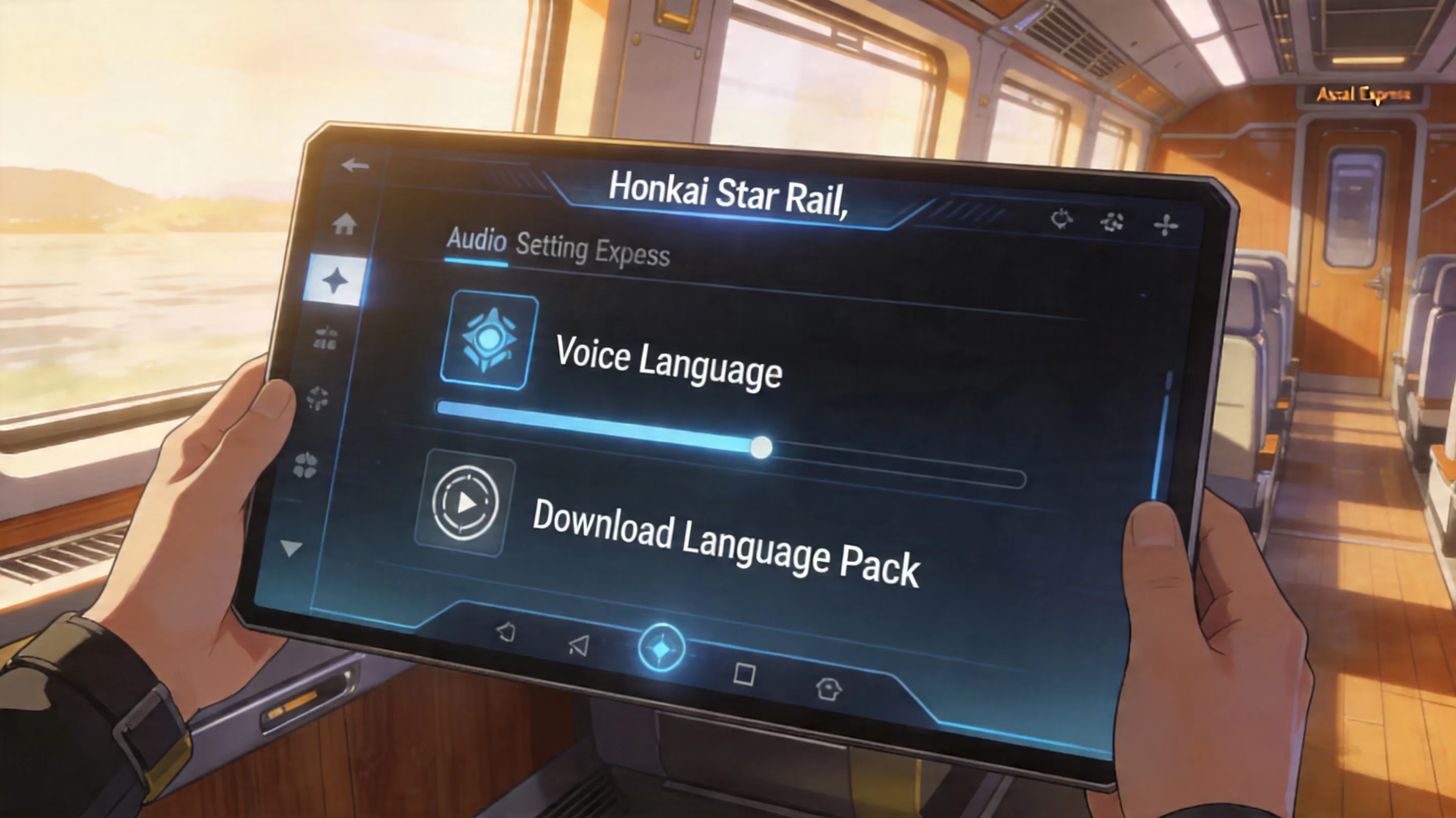
On Android and iOS, the biggest storage saver is basically the same: delete extra voice-over packs through Settings → Audio → Voice Language. If your phone is tight on space, this is the first thing you should do.
Be careful with cache cleanup, though. Use the system's Clear Cache option, not Clear Data, because clearing data can wipe local progress on accounts that were never linked to a HoYoverse UID. That is an easy mistake to regret.
A full reinstall can also help if the app has become bloated over time. Uninstall the game, reboot the device, then install it again. In a lot of cases, that clears out old temp files and shader cache buildup that normal cleanup tools miss, often shrinking the total footprint by around 1–3 GB.
PS5
On PS5, storage management is mostly about keeping auto-updates under control. If several pending downloads pile up, the console can burn through free space in the background before you notice. You can check the exact space HSR is using through Settings → Storage → Console Storage → Games and Apps.
If space is consistently tight, turning off auto-downloads for HSR and updating manually from the game tile gives you more control. That way, you can decide when to free up room before the extraction process starts.
Honkai Star Rail Storage FAQ
Can HSR run from an SD card?
Not reliably. Official guidance and community testing both point to the same result: running Honkai: Star Rail from an external SD card on Android tends to cause slower asset streaming, stutters, and occasional crashes. The game is built around fast internal storage, ideally UFS 2.x or better, and HoYoverse does not officially support SD card installs.
Why does an update need more space than its listed size?
Because the patch happens in two steps. First, the game downloads a compressed archive. Then it extracts and merges those files into the existing install. During that process, both the archive and the new output exist at the same time, so the temporary storage requirement can nearly double. Once verification finishes, the archive gets removed.
Does changing graphics settings reduce the game's size?
Not immediately, no. Lowering graphics settings does not usually delete high-resolution files that are already installed. On mobile, future patch cycles may gradually favor smaller asset bundles based on your selected quality settings, so you might see some reduction over time. On PC, though, all texture tiers are generally installed regardless of the active graphics preset.
How much storage does Honkai Star Rail take after several patches?
This matters more the longer you stick with the game. A player who installed at launch in 2023 and kept updating through Version 4.1 in early 2026 could easily end up with a 48–52 GB install on PC. On mobile, it can reach around 18–22 GB, depending on how many voice packs are still installed. Across a standard six-week version cycle, the game has been adding roughly 2–4 GB net after temporary patch files are cleaned up.
Conclusion
As of Honkai: Star Rail Version 4.1, the real answer to how much storage does Honkai Star Rail take is about 45–50 GB on PC, 35–40 GB on PS5, and roughly 15–20 GB on Android and iOS. More importantly, you should not stop at the base install number. Keeping an extra 10–15 GB free for patching is the safest way to avoid failed extractions and update errors.
If you want one simple optimization that works almost everywhere, remove unused voice packs first. That is usually the fastest and cleanest way to recover space. With a bit of storage planning before patch day, you can keep your Trailblaze journey running smoothly whether you are playing on desktop, console, or phone.